

During an office relocation, IT equipment is systematically powered down, disconnected, and labeled by professionals to ensure a secure transition. Hardware is then packed using specialized materials for transport, followed by reinstallation and comprehensive network testing at the new site. This structured approach to what happens to IT equipment during an office relocation minimizes the risk of damage and ensures business continuity.
Moving an entire office is a logistical challenge, but the physical migration of your IT infrastructure is often the highest risk factor in the entire operation. It only takes one damaged server or a mislabeled bundle of cables to extend downtime from hours to days. For modern businesses, hardware is more than just assets; it is the foundation of operational continuity. Understanding exactly what happens to your equipment during this transition is the difference between a seamless Monday morning and a total system failure. In this guide, we provide a professional overview of the relocation lifecycle. You will learn the importance of serialized inventory and decommissioning strategies. We also detail the logistics of secure transport and the rigorous post-move testing required to ensure your network remains robust and reliable.
The Complexity of Moving Modern IT Infrastructure
Relocating a business in the Tampa Bay area involves far more than moving desks and chairs; it is an exercise in maintaining digital continuity. For modern enterprises, the physical move is often secondary to the migration of the server room and network infrastructure. When considering what happens to IT equipment during an office relocation, it is helpful to view the transition as a strategic opportunity rather than just a logistical hurdle. Many local firms use a move as the catalyst for a total technology refresh, allowing them to modernize their hardware stack before settling into a new space in Westshore or Downtown Tampa.
Successfully navigating an Office IT Relocation requires categorizing every asset into one of three distinct paths. Equipment is either relocated to the new facility, retired through IT asset evaluation services to recover capital, or responsibly recycled if it has reached the end of its functional life. Distinguishing between these paths early prevents the costly mistake of transporting obsolete hardware that should have been decommissioned. This strategic approach ensures that the migration supports long term business goals while minimizing downtime during the transition.
Phase 1: Serialized Inventory and Asset Evaluation
Before a single cable is unplugged, a comprehensive pre-move audit is mandatory to define the scope of the Office IT Relocation. At Pell Technology, we differentiate our approach through serialized inventory reporting. Rather than general tallies, we document every individual laptop, rack-mounted server, and network switch by its unique serial number. This creates a definitive manifest that clarifies exactly what happens to IT equipment during an office relocation, ensuring nothing is lost in transit while providing a clear audit trail for compliance.
During this phase, every asset must be assigned to one of two categories: Move to New Office or Decommission. This evaluation serves as a strategic filter. Moving aging hardware to a high-value space in Westshore or Downtown Tampa is often a poor allocation of resources. The labor and logistics costs of transporting a five-year-old server frequently exceed the hardware's actual utility. By leveraging IT asset evaluation services early, you can identify equipment better suited for a buyback program than a moving truck. This data-driven inventory allows your team to visualize the new network topology and ensures only functional, high-value assets occupy your new facility. Proper categorization at the start prevents the common mistake of paying to relocate equipment that should have been retired.
Phase 2: Professional Decommissioning and Cable Management
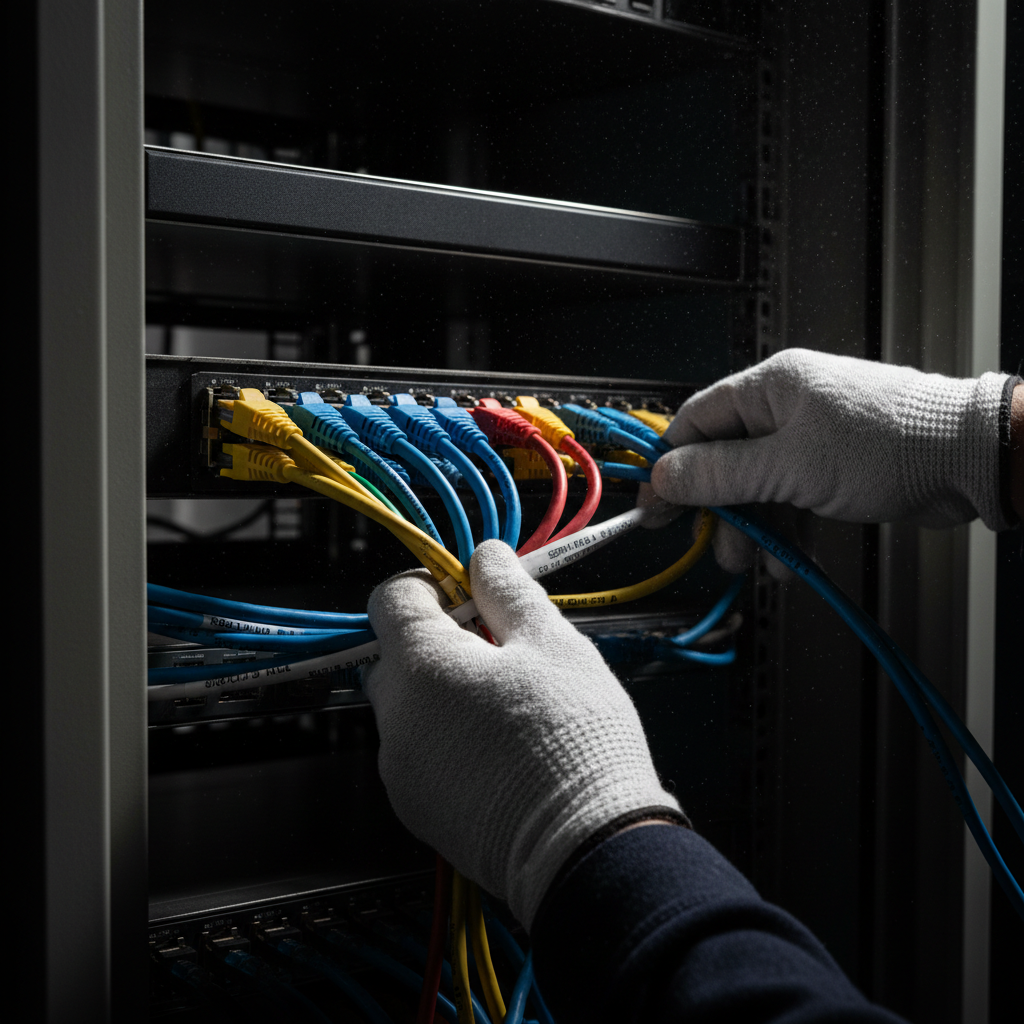
Once the audit is complete, the physical teardown begins. This process is more than just pulling plugs; it is the systematic dismantling of a functioning digital ecosystem. While it might be tempting to have staff clear their own desks, professional decommissioning is essential to prevent logistical chaos. Relying on employees often results in missing power bricks or tangled cables that can delay the setup in a new Westshore or Downtown office by several hours per person.
A structured disconnect and label protocol is the only way to ensure a seamless transition. Technicians use color-coded labels to map specific cables to their corresponding ports on switches and patch panels. For individual workstations, small peripherals such as specialized adapters, mice, and power supplies should be bagged and tethered to their parent devices. This prevents the separation of essential components and maintains the accuracy of the serialized inventory established during the audit phase. This level of detail is a core component of a professional Office IT Relocation.
The most critical technical challenge occurs within the server racks. Enterprise hardware cannot simply be toggled off. Technicians follow a rigorous power-down sequence: first gracefully shutting down application layers and virtual machines, then storage arrays, and finally core networking hardware. Skipping these steps risks file system corruption or parity errors. Understanding what happens to IT equipment during an office relocation requires recognizing that the decommissioning phase is as much about data integrity as it is about physical hardware. By following these technical protocols, businesses ensure that their infrastructure remains functional and ready for transport to the next facility.
Phase 3: Secure Packing and Specialized Logistics
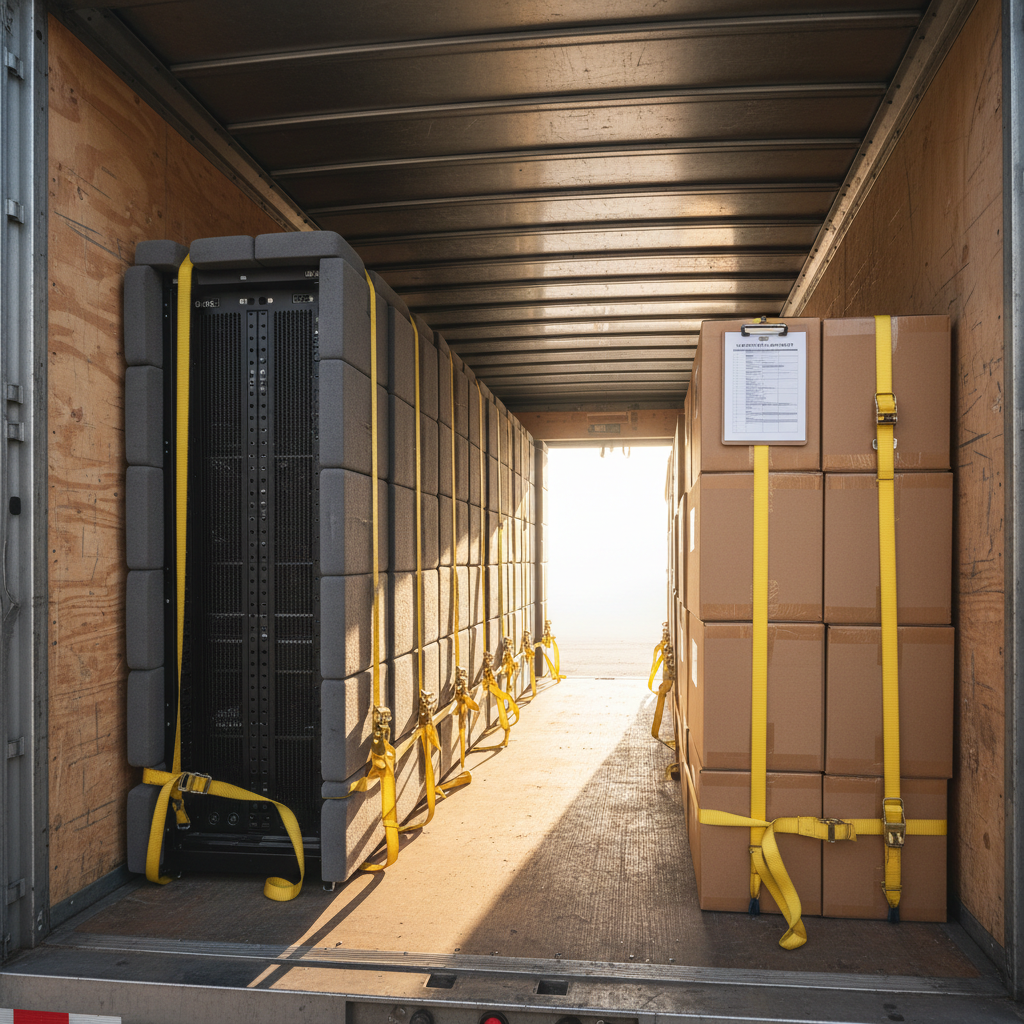
Standard cardboard boxes lack the structural integrity and ESD (electrostatic discharge) protection required for enterprise hardware. When considering what happens to IT equipment during an office relocation, the physical transition is the point of highest risk for mechanical failure. Technicians utilize anti-static bubble wrap and foam padded, reinforced crates to shield sensitive motherboards and storage drives from static shock and vibration. For high density infrastructure, the use of server elevators is required to safely extract heavy components from the rack, preventing physical warping of the chassis or damage to the rail systems.
The Florida climate introduces specific variables to this stage. High humidity and extreme heat in the Tampa Bay area can lead to condensation or thermal stress on internal components if gear is left in a standard, non-insulated moving truck. We utilize climate controlled transit for all sensitive assets to maintain a stable environment between the old and new facilities. This specialized logistics approach ensures that internal circuitry is preserved and ready for immediate reintegration upon arrival. Maintaining hardware integrity during this phase is a fundamental part of a professional Office IT Relocation and adds value to our IT asset evaluation services by ensuring equipment intended for buyback maintains its maximum market worth.
What Happens to Retired IT Equipment?
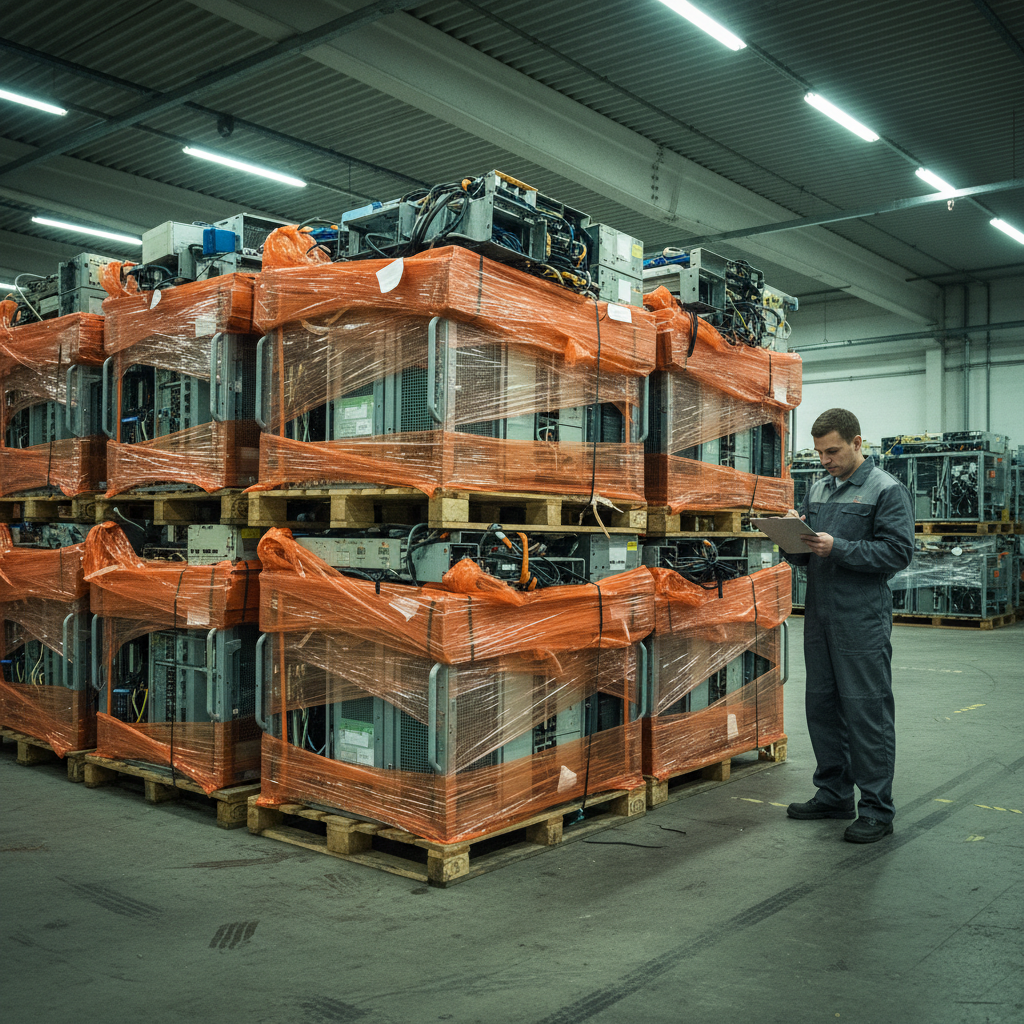
While the goal of an Office IT Relocation is to get the business running in a new facility, the most financially sound decision is often to leave certain hardware behind. When determining what happens to IT equipment during an office relocation, many Tampa businesses find that transporting end of life servers or aging networking stacks is a net loss. The logistical costs of packing, climate controlled transit, and technical re-installation frequently outweigh the remaining utility of the gear.
This is where IT asset evaluation services become a recovery tool. Through a professional buyback program, Pell Technology identifies hardware that still holds market value. Rather than paying to move a rack of five year old servers to a new Westshore office, we evaluate the specifications, condition, and current market demand for those assets. We then provide a credit or cash offer, effectively converting retired hardware into capital that can offset the costs of the move or fund the purchase of new infrastructure.
Data security is the non-negotiable final step for any retired asset. No hard drive or flash storage should leave the original premises until it has undergone documented data destruction. We utilize two primary methods based on the client’s compliance requirements:
NIST 800-88 Compliant Wiping: Software based sanitization that overwrites every sector of the drive, rendering data unrecoverable while preserving the physical drive for resale.
Physical Shredding: For high security environments or failed drives, the hardware is physically pulverized into small fragments, making data recovery impossible.
By integrating these protocols, businesses ensure that retired assets do not become security liabilities. If you are planning a transition, Contact Pell Technology to determine which assets in your current inventory are candidates for buyback versus relocation.
Phase 4: Recommissioning and Post-Move Testing
Once the facility is cleared of retired assets and the remaining hardware reaches its destination, the final stage of the move begins. Recommissioning starts in the server room, the central nervous system of your business. Technicians re-mount servers into their new racks, adhering to pre-designed layouts that optimize airflow and weight distribution. The power-up sequence is then executed in the exact reverse order of decommissioning, starting with core switches and firewalls, followed by storage arrays, and ending with virtual machines and application layers.
Simultaneously, the focus shifts to individual workstations across the new Tampa office. Professional cable management is critical during this phase to prevent common safety hazards and future maintenance issues. Technicians utilize the color-coded labels and bagged peripherals from earlier phases to reconnect docking stations, dual-monitor setups, and VOIP phones with precision. This systematic approach clarifies exactly what happens to IT equipment during an office relocation, moving from a manifest of parts back to a functional workspace.
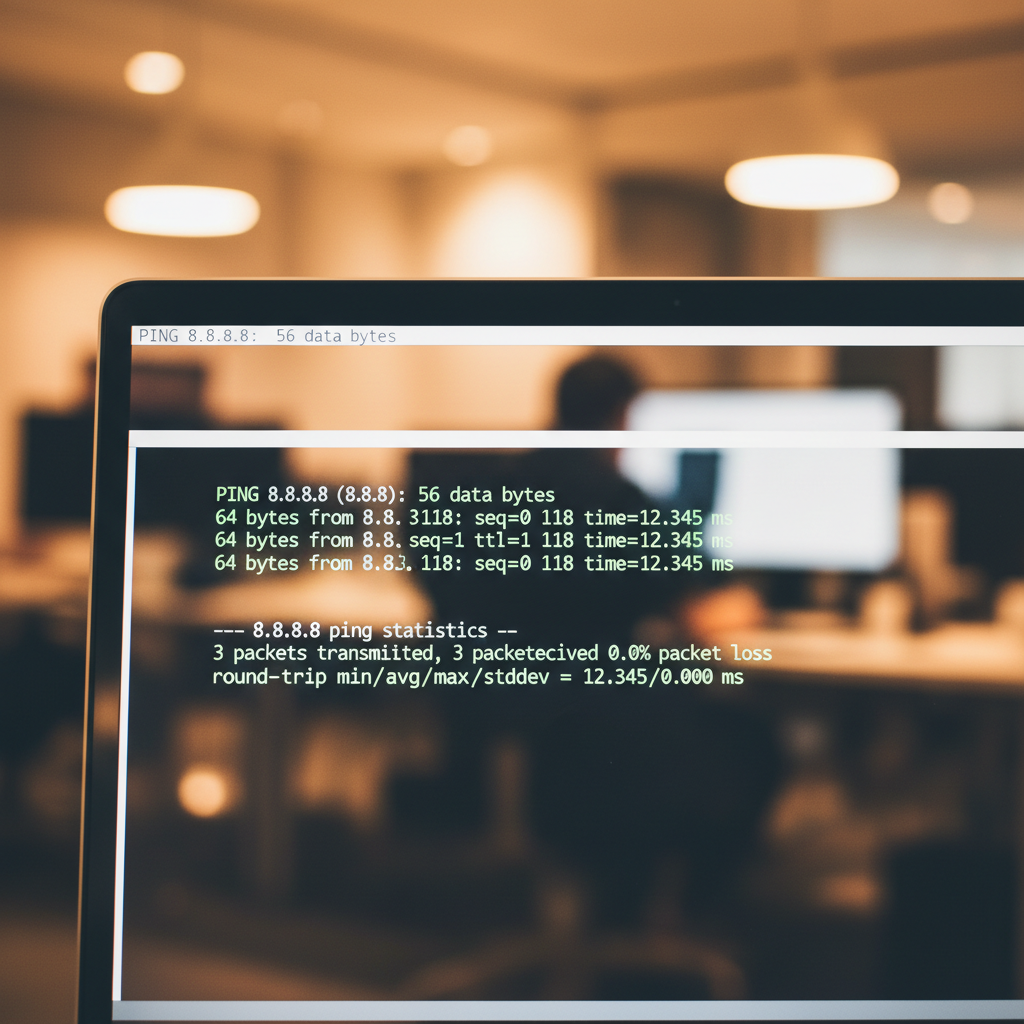
Every Office IT Relocation concludes with a comprehensive testing protocol. A "ping test" is performed at every seat to confirm a heartbeat between the workstation and the core network. Technicians verify that VLAN assignments, shared drive access, and local printer mappings are intact. Finally, the team produces updated network diagrams for the new location. These documents are essential for future IT asset evaluation services and internal support, ensuring your business is fully operational and compliant before the first employee arrives on Monday morning. If you are planning a move, Contact Pell Technology to ensure your infrastructure is reinstalled correctly.
Common Risks: What Can Go Wrong During IT Relocation?
Even with a detailed plan, certain technical risks can derail a transition. Physical damage remains a primary threat; vibration during transport can dislodge internal components or cause mechanical head crashes in traditional hard drives, rendering data unrecoverable. This is a frequent concern for stakeholders wondering what happens to IT equipment during an office relocation that lacks specialized padding or climate control.
Technical failures also stem from improper power-down sequences. Abruptly cutting power to a database server can lead to file system corruption or the loss of in-flight data that was not yet committed to the disk. Additionally, ghost assets, which are unrecorded laptops or switches that vanish during the move, create significant security and compliance gaps. These items often represent undocumented data sets that are now outside of company control.
Professional Office IT Relocation mitigates these specific risks through serialized tracking. By documenting every asset's unique identifier before it leaves the rack, we ensure total accountability. Combining this with IT asset evaluation services helps identify which hardware is too fragile or obsolete to justify the risk of transport. If you are concerned about protecting your infrastructure during a move, Contact Pell Technology to implement a risk-mitigation strategy.
Successfully moving your IT infrastructure requires more than just heavy lifting; it demands a strategic approach to documentation and network configuration. Ensuring your hardware arrives safely and functions perfectly on day one is vital for business continuity. If you want expert help managing these technical complexities, our team is ready to step in. You can learn more about our experience and dedication to seamless transitions on our About page. Let us handle the logistics while you focus on your growth.